
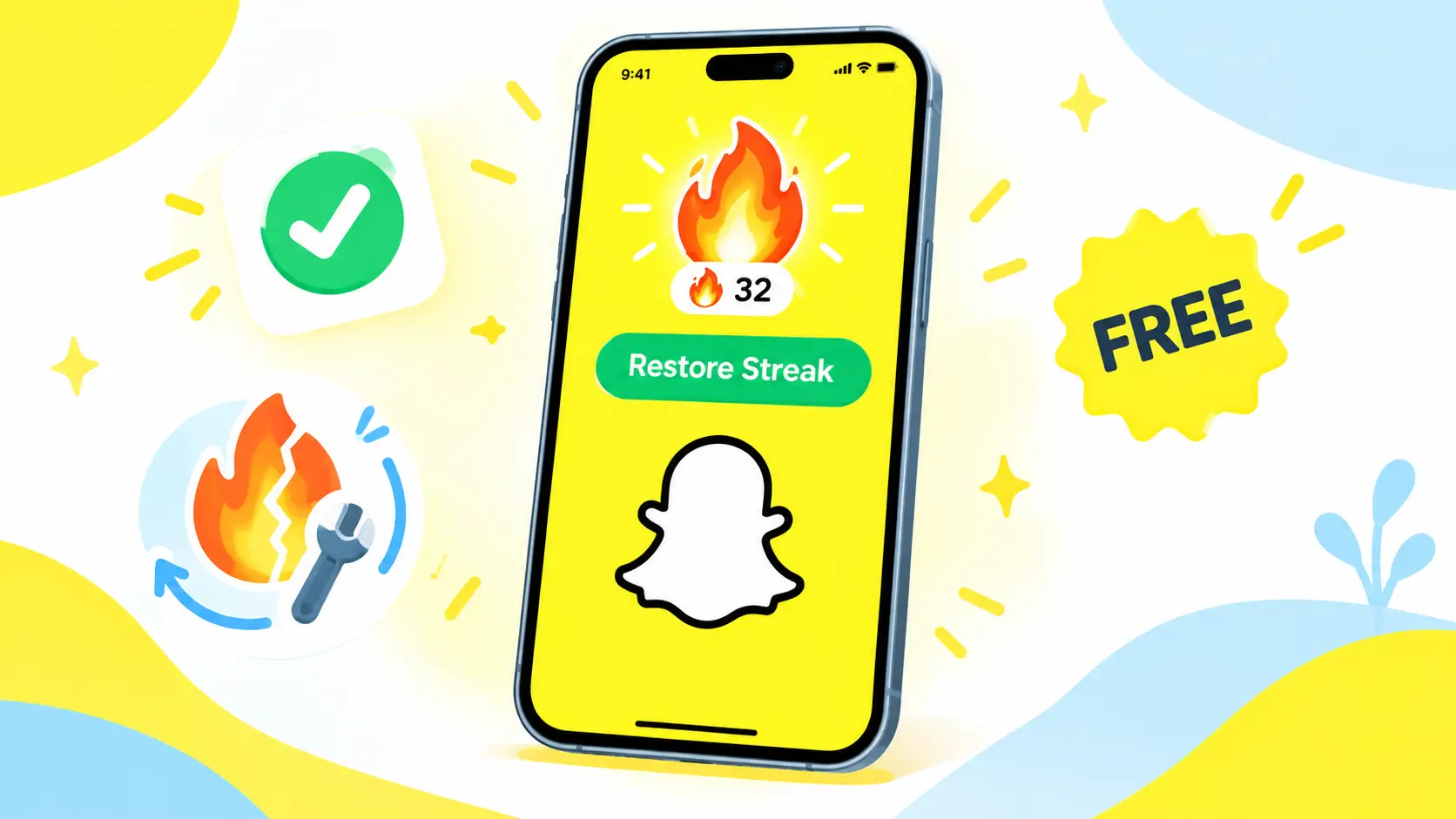
What Is a Snapchat Streak? Quick Recap
Snap streak tracks daily Snap exchanges between two friends. The more consecutive days you both send Snaps back and forth, the higher your streak climbs shown as a number beside a 🔥 icon. Snapchat introduced this feature to boost engagement, and it’s still one of the biggest reasons Gen Z users keep opening the app every day.
How to Restore a Lost Snap Streak for Free Guide, 2026 Edition
Step-by-Step
Did the months-old Snapchat Streak you built with your best friend suddenly isappear? Maybe you forgot to check the ⏳ Hourglass icon, and now you’re gutted.
Don’t stress restoring a broken streak on Snapchat is actually pretty simple. A lot of people assume you have to pay to get it back, but in this guide, I’ll show you exactly how to restore a lost Snap Streak completely free.
Let’s walk through the full process, step by step, based on Snapchat’s updated 2026 interface.

Why Does a Snapchat Streak Break? The 24-Hour Rule
Before diving into the fix, it helps to understand why streaks break in the first place. Snapchat’s rule is simple: you and your friend each need to send at least one Snap (photo or video) within a 24-hour window.
- Note: Texting or chatting in a group doesn’t count only an actual Snap taken through the camera keeps the streak alive.
- ⏳ When your 24 hours are almost up, an Hourglass icon shows up next to your friend’s name as a warning: send a Snap now, or the streak breaks.
Common Reasons Streaks Break Besides Forgetting
Forgetting to send a Snap isn’t the only culprit. These are just as common:
- App glitches or server downtime a Snap can show as sent without actually being delivered.
- Weak internet connection the Snap fails to upload in time.
- Time zone confusion if you and your friend are in different time zones, the 24-hour window can close faster than you expect.
- Outdated app version an old version of Snapchat sometimes fails to register Snaps properly.
Method 1: The Free Restoration Button Inside the App
Snapchat now offers a built-in option to restore a broken streak instantly. Here’s how
- Open Snapchat and go to the Chat screen.
- Find the friend whose streak broke you’ll see a Restore button or a 🔥 icon with a cross through it next to their name.
- Tap Restore.
- If you still have a free restore available, Snapchat brings your streak back instantly, at no cost.
Heads up:
Snapchat only gives out a limited number of free restores each month, mainly to prevent people from deliberately breaking streaks just to abuse the feature. If your free restore has run out and it’s asking you to pay or subscribe to Snapchat+, don’t worry Method 2 below is 100% free.
Method 2: Contact Snapchat Support 100% Free Working Trick
If the in-app restore option is asking for money, you can go straight to Snapchat Support and request your streak back at no charge. This works especially well when the streak broke due to a glitch or connection issue rather than genuine neglect.
Step 1: Open the Snapchat Support Portal
Open a browser and search “Snapchat Support,” or go directly to snapchat.com. From inside the app, you can also get there via Profile > Settings (gear icon) > I Need Help.
Step 2: Select the Right Option
On the support page, click Contact Us, then choose “I lost my Snapstreak” from the list.
Step 3: Fill Out the Form Carefully
You’ll need to provide accurate details:
- Username your correct Snapchat handle
- Email the one linked to your account
- Mobile number with country code
- Device your phone model e.g., iPhone 14, Samsung S23
- Friend’s username the friend whose streak broke only one per request
- When did the issue start? the date the streak broke
- How long was the streak? your best estimate e.g., 250, 500
- Did you see the ⏳ icon? select No choosing Yes may suggest it was your fault
Step 4: Write a Convincing Description
In the description box, explain that the streak broke due to a technical issue, not carelessness. Feel free to use this template:
“Hello Snapchat Support, my friend and I were maintaining our Snapstreak regularly. However, due to a technical glitch and network issue, my snaps were stuck, and our streak vanished without showing the hourglass icon. This streak is very important to us. Please help us restore it. Thank you!”
Step 5: Submit and Wait
Submit the form and complete the CAPTCHA. Within 24–48 hours, Snapchat will usually email you back and in most cases, your streak will be restored.
Tip: Check your spam or junk folder too Snapchat’s reply sometimes ends up there.
How Many Times Can You Restore a Streak for Free?
Snapchat hasn’t published an official limit, but based on user experience:
- Regular users typically get a limited number of free restores per year through support.
- Snapchat+ subscribers tend to get faster, more frequent restores.
- Repeatedly breaking streaks and requesting restores can flag your account, so only use this when it’s genuinely needed
Tips to Avoid Losing Your Snap Streaks
- Set a daily reminder send your Snap first thing in the morning using your phone’s alarm or a reminder app.
- Keep a go-to Snap ready a quick photo or text grid you can send in seconds.
- Don’t rely only on group shortcuts check individually, since shortcut sends sometimes fail to deliver.
- Check your connection first a weak signal can make a Snap appear “sent” when it actually failed; use Wi-Fi or strong data.
- Turn on notifications so you know the moment the hourglass appears.
- Use streak-tracking widgets some home-screen widgets show your top streaks at a glance.
Frequently Asked Questions
Q1. Is restoring a Snapchat streak always free?
Not always the in-app option has limited free restores, after which Snapchat may offer Snapchat+ or a paid option. Contacting Support (Method 2) is generally free.
Q2. How long does restoration take?
Usually 24–48 hours, though it can take longer during busy periods.
Q3. Can a streak still be restored if it broke because of my own mistake?
Support reviews each case individually, so there’s no guarantee but an honest, clear explanation improves your odds.
Q4. Can I restore more than one friend’s streak at once?
No each form covers only one friend’s streak. You’ll need to submit separate requests for multiple broken streaks.

Conclusion
A Snap Streak is more than just a number it’s a fun way to stay connected with your friends every day. Follow the two methods above correctly, and your chances of getting a lost streak back are pretty high.
How did this guide work for you? Drop a comment below if you run into any trouble with the form, and I’ll help you out. Share this with the friend who’s always the reason your streaks keep breaking!
Looking for more tips and guides? Visit my other website, Kinemaster MOD APK for easy editing tutorials and helpful resources.