


Android Privacy Tricks Nobody Tells You About
Dark Mode, Half Swipe, and Beyond
Your phone has more privacy controls buried in it than the settings menu ever admits. Some are official Android features you just haven’t unlocked yet. Others are quirks in how chat apps are built that people have figured out how to use to their advantage. Here’s a rundown of the most useful ones what they actually do, how to use them, and where to be careful.
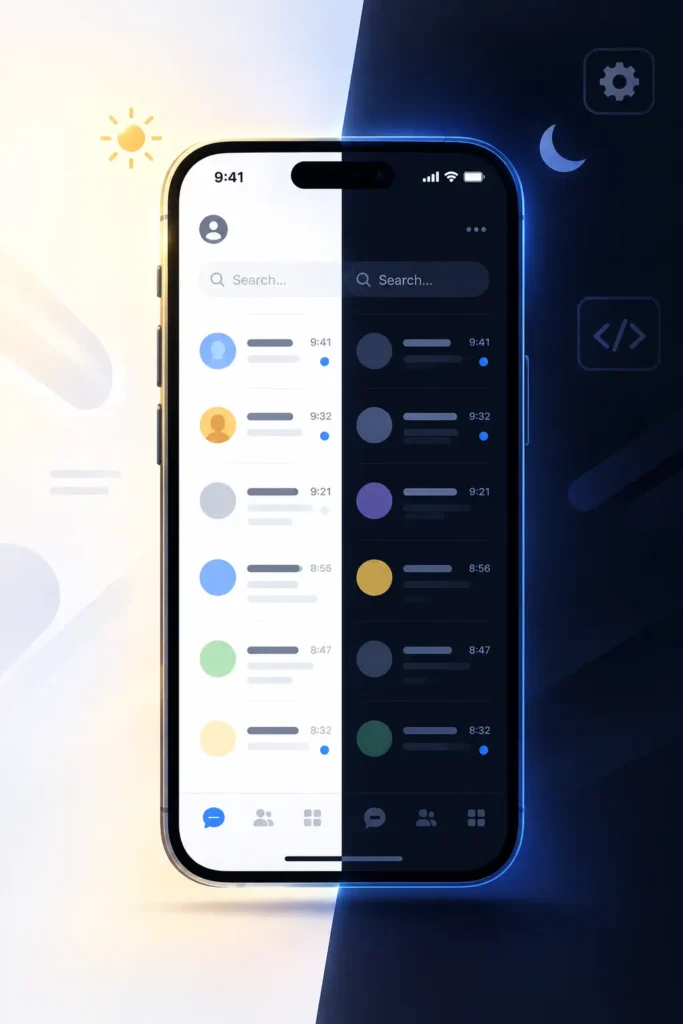
1. Forcing Dark Mode on Apps That Don’t Support It
Not every app plays nice with your phone’s dark theme. If you’ve got an app especially a paid or niche one that stays stubbornly white no matter what your system setting says, Android has a built-in workaround buried in Developer Options.
Here’s how to get to it:
- Open Settings → About Phone (sometimes labeled “Software Information”).
- Find Build Number and tap it seven times in a row.
- You’ll get a small popup confirming Developer Options are now unlocked.
- Go back to the main Settings menu and open Developer Options (on some phones it’s nested under System).
- Scroll to the Hardware Accelerated Rendering section and look for “Override force-dark” or Force dark mode. Flip it on.
- Fully close the app you want to change swipe it out of your recent apps, don’t just minimize it then reopen it.
This is a genuinely official Android feature, just not one Google surfaces for average users. It works by overriding how the app renders its colors at the system level rather than waiting for the app’s own developers to add a dark theme. Worth knowing: it doesn’t always look great some apps end up with inverted colors or odd contrast, since the app was never designed with this in mind.
2. Ghost Mode: Viewing Stories Anonymously
“Ghost Mode” gets thrown around to describe tools usually third-party or modified versions of apps that let you view someone’s Instagram or Snapchat Story without your name showing up in their viewer list.
A quick note before going further: this isn’t a setting Instagram or Snapchat actually offers. It’s typically achieved through unofficial modded apps “Instagram Pro,” customized APKs, and similar, and that comes with real trade-offs worth weighing these apps aren’t reviewed by Google or Apple, several have been found bundling malware or harvesting login credentials, and using them can get your actual account flagged or banned since they violate the platforms’ terms of service. If total anonymity for viewing a story matters to you, it’s worth asking whether the convenience is worth handing your login to an unverified app. A safer middle ground some people use instead: a secondary “burner” account with no identifying info, which achieves a similar effect through completely official means.
3. Half Swipe: Reading Messages Without the “Seen” Receipt
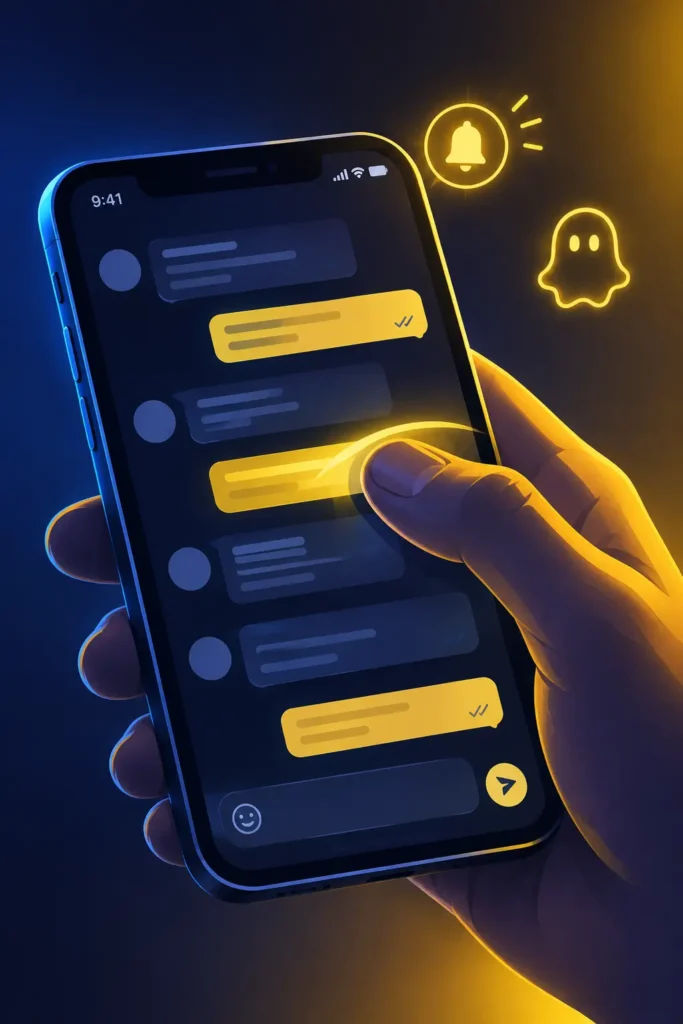
This is the most well-known trick on the list, and probably the one people search for most. It lets you read a text message in full without triggering the read receipt that tells the other person you’ve seen it. The basic mechanics show up on both Snapchat and Instagram full walkthroughs for each are in the Bonus section below but the core idea is:
- Go to your chat inbox.
- Press lightly on the sender’s profile picture or name don’t tap it. Slowly drag to the right.
- The chat will start to slide open.
- Keep your finger down and read the message without lifting it
- . Slide back to the left, and only then let go.
As of 2026 the trick is still holding up on Snapchat, though there’s a wrinkle: Snapchat+ subscribers with “Peek a Peek” turned on can actually see that you half swiped, even if you never fully opened the chat. It’s also worth knowing this gesture was likely never an intentional Snapchat feature more of a side effect of the interface which is exactly why it’s occasionally broken by app updates and had to be re-learned.
4. Hiding Your “Typing…” Indicator
Some people want time to write a thoughtful reply without the other person watching the “typing” bubble pop up and disappear in real time it can create pressure to reply faster than you’re ready to.
Signal handles this cleanly: it has an official, built-in toggle to disable typing indicators, no workarounds needed. WhatsApp and Instagram are a different story neither offers this natively, so the only ways to hide typing status on them involve third-party or modded versions of the app, which carry the same risks mentioned above: ban potential and unclear data handling since you’re not using the platform’s real, audited code. If this feature matters a lot to you, it’s a reasonable factor in choosing Signal over WhatsApp for sensitive conversations, rather than trying to bolt the feature onto an app that wasn’t built for it.
Practical Tips
- Go slower than feels natural most half-swipe fails happen because people swipe too fast and overshoot into a full open.
- Don’t lift your finger early.
- On Snapchat, that’s the exact moment the “Opened” status gets sent.
- Practice on a low-stakes chat before trying it on something you actually care about getting right.
- If you do accidentally open something, there’s no undo Snapchat has no way to reverse a read receipt, so it’s usually smoother to just reply naturally than to draw attention to the slip.
- Older phones or ones running a lot of background apps can make fine swipe control harder laggy animations throw off your timing.
Q&A
Is Force Dark Mode safe to use?
Yes it’s a legitimate, built-in Android feature, just hidden inside Developer Options rather than the main settings menu. The only downside is cosmetic: some apps look a little visually off in forced dark mode since they weren’t designed for it.
Is “Ghost Mode” an actual Instagram or Snapchat feature?
No. Neither platform offers built-in anonymous story viewing. Any tool claiming to do this is a third-party or modified app, which means real security and account-ban risk.
Does the half swipe still work in 2026?
Yes, on both apps, with one exception: Snapchat+ users with Peek a Peek enabled can detect a half swipe even without a full open.
Can I hide my typing status on WhatsApp?
Not with an official setting Signal is currently the main mainstream app that lets you turn this off natively.
Will using modded apps get my account banned?
It’s a real possibility. Modified versions of Instagram or WhatsApp violate those platforms’ terms of service, and enforcement does happen, so it’s worth weighing that risk against the feature you’re after.
Bonus How to Half Swipe Snapchat vs. Instagram Full Breakdown
The concept is identical on both apps read a message without triggering a “Seen” receipt but the execution differs because Snapchat and Instagram build their chat screens differently. Here’s the full walkthrough for each.
1. The Snapchat Half Swipe (The Original Trick)
Snapchat is where this move started, and for good reason: Snapchat notifies the sender the instant you open a chat, with no delay and no way to undo it. That immediacy is exactly why the half swipe became such a widely used workaround it’s the only way to buy yourself time without the other person knowing you’ve already seen what they sent.
Step-by-step
- Step 1: Open Snapchat and go to your Chat tab.
- Step 2: Find the message you want to read. Do not tap it.
- Step 3: Place your finger gently on the sender’s Bitmoji or profile icon and slowly drag to the right.
- Step 4: The chat will slide open, revealing the message. This is the part people mess up most do not lift your finger. As long as it’s still touching the screen, Snapchat hasn’t registered the chat as opened.
- Step 5: Once you’ve read it, slide your finger back to the left until the chat is fully closed again, and only then release. The message stays marked “Delivered,” not “Opened.”
- A few things worth knowing that most guides leave out
- This gesture likely isn’t an intentional Snapchat feature. The general consensus among people who’ve tracked it for years is that it’s a side effect of how the swipe-to-open animation is built, not something Snapchat’s team designed on purpose. That’s exactly why it occasionally breaks after updates.
- It has broken before and come back. After one past redesign, swiping from anywhere on the chat row started opening Snap Map instead of the conversation. The fix users found was to start the swipe specifically from the Bitmoji icon rather than the row in general.
- Snapchat+ changes the math. If the sender has Snapchat+ with the “Peek a Peek” feature turned on, they can actually see that you half swiped their message, even though you never fully opened it. The trick isn’t fully invisible against those users anymore.
- It only works on text. Half swiping does nothing for actual Snaps (photos/videos) — opening one of those always sends a notification, no workaround exists.
- Mobile only. There’s no way to do this on Snapchat web or desktop; it depends entirely on the touch gesture.
2. The Instagram Half Swipe The DM Trick
Instagram’s chat list is a tighter, more compact interface than Snapchat’s, and it wasn’t built around a swipe-to-preview gesture the same way. That makes a clean horizontal drag harder to land but Instagram actually gives you two ways to get the same result, and which one works best depends on your device.
Method A The Long-Press best for iOS and most modern Android phones
- Go to your Direct Messages tab.
- Tap and hold on the conversation you want to preview.
- A pop-up window appears showing the most recent messages in that thread no “Seen” status gets sent.
- Tap anywhere outside the pop-up to close it.
This method tends to be the more dependable of the two because Instagram actually built it as a real preview feature, rather than it being a repurposed gesture. It’s less finicky and doesn’t depend on your finger’s exact positioning the way a swipe does.
Method B The Horizontal Drag classic Android method
- Go to your DM list.
- Place your finger right at the far edge of the chat row you want to check.
- Gently drag it to the left.
- You’ll get a small peek into the conversation slide it back to its original position before lifting your finger, the same logic as the Snapchat version.
This method is more sensitive to your phone’s touch responsiveness than the long-press is, so if it’s not working smoothly, that’s more likely your device than something you’re doing wrong.
How the two apps compare

Snapchat VS Instagram
| Gesture | Swipe right from Bitmoji | Long-press (or swipe left on older Android) |
| Reliability | Can break after updates | Long-press is stable; drag is device-dependent |
| Detectable by sender? | Yes, if they have Snapchat+ Peek a Peek | No known detection method |
| Works on photos/videos? | No, text only | N/A DMs are mostly text/media previews |
| Platform | Mobile only | Mobile only |
Extra Tips Specific to This Trick
- Practice on a conversation you don’t mind messing up before trying it on something you actually care about both gestures take a few tries to get the timing right.
- If your hands are a little shaky or you’re on a smaller phone, try slowing down even more than feels natural. Speed is the number one reason people accidentally trigger a full open.
- On Instagram, if the long-press pop-up isn’t loading the newest message, force-close and reopen the app this is usually a caching issue rather than a trick failure.
- There’s no undo on either platform. If you slip and it registers as opened or seen, your best move is just to respond naturally rather than explain yourself.
Snapchat vs. Instagram Half Swipe
Which app’s half swipe is easier to pull off?
Instagram’s long-press method, hands down it’s a supported preview behavior rather than a workaround, so it’s more forgiving of imperfect technique.
Can the sender ever tell I half swiped on Instagram?
Not through any known or reported method unlike Snapchat, there’s no equivalent to “Peek a Peek” on Instagram’s side as of now.
Does the Instagram drag method work on iPhone?
It’s really built around Android’s older interface. On iPhone, stick with the long-press it’s the intended method there.
Why does my Snapchat half swipe keep opening the chat fully?
Almost always a speed issue you’re swiping too far or lifting your finger before sliding back. Slow the whole motion down and don’t release until you’re back at the starting position.
Is there any way to half swipe an Instagram Story reply or just DMs?
These methods apply to the DM inbox specifically. Story replies function like regular DMs once they land in your inbox, so the same long-press trick applies there too.
Conclusion
Utilizing Android’s Developer Options and hidden privacy tricks gives users much finer control over their digital experience. Force Dark Mode reduces eye strain and preserves battery life through a legitimate system setting. Half swiping remains a genuinely useful, low-risk way to manage read receipts on both Snapchat and Instagram. Ghost Mode and hidden typing-indicator tools, on the other hand, generally require third-party apps so weigh the convenience against the security and account-ban risks before using them, and stick to trusted sources whenever possible.